
The evening edit
A plain portrait, dropped into the glowing lounge as its host.
Upload one photo and star in a Burning Bridges-style party video, sound included. You write nothing and film nothing.
You, a friend, or an unexpected character.
Scene
The person goes into the famous vertical lounge. Motion still comes from our clip.
Pick length and quality
Your download includes sound.
Same trend.
Your main character.
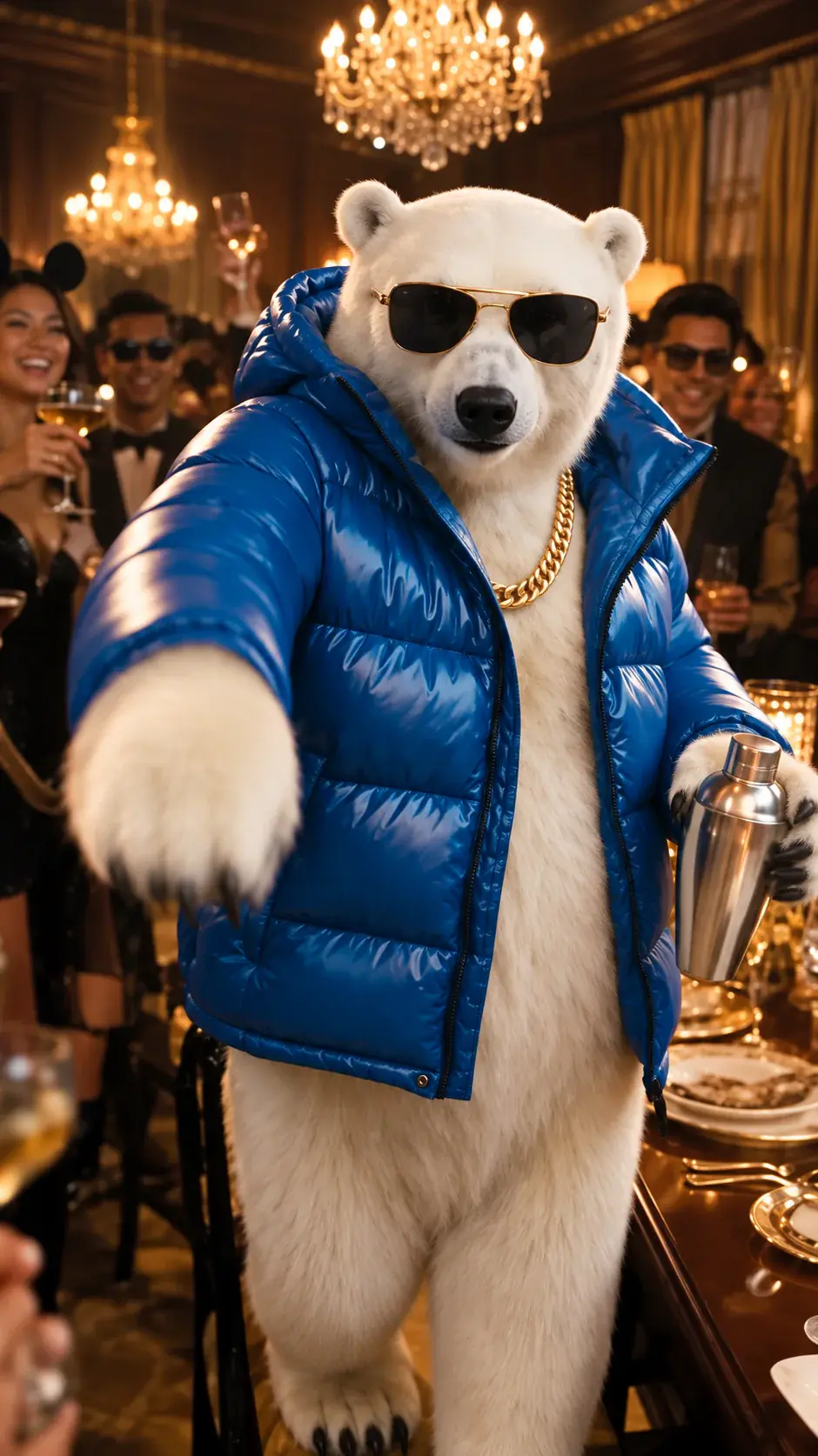
Here is what a finished clip actually contains. We follow one blue-jacket bear through the four beats of a 20-second video, from walking in to the final look.
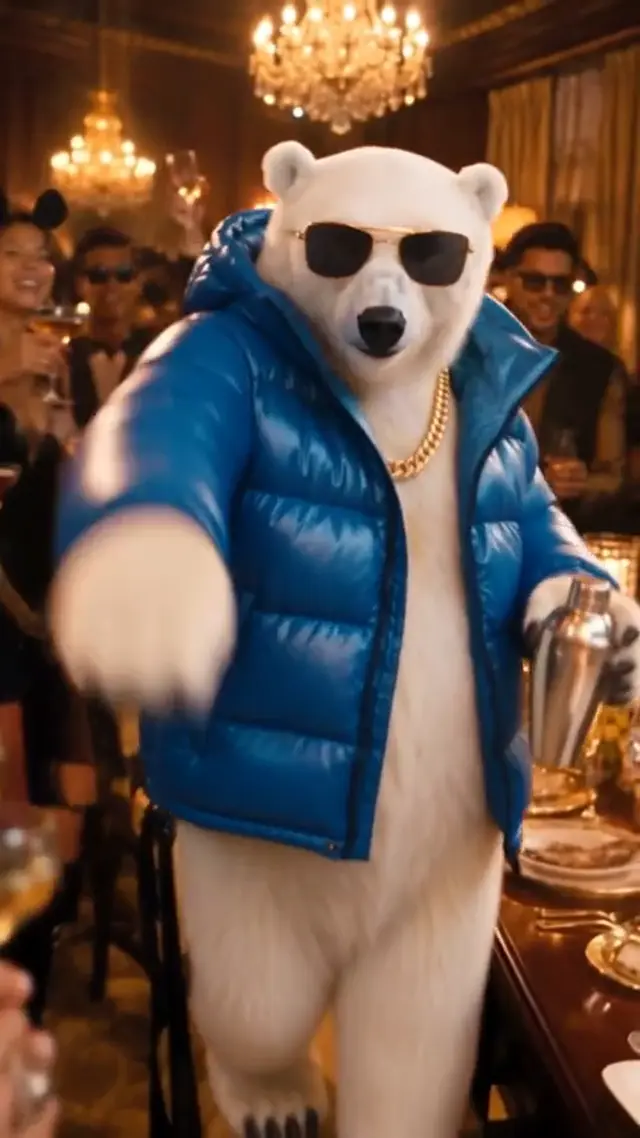
0–2 seconds
The host walks into the glowing room and everyone turns.
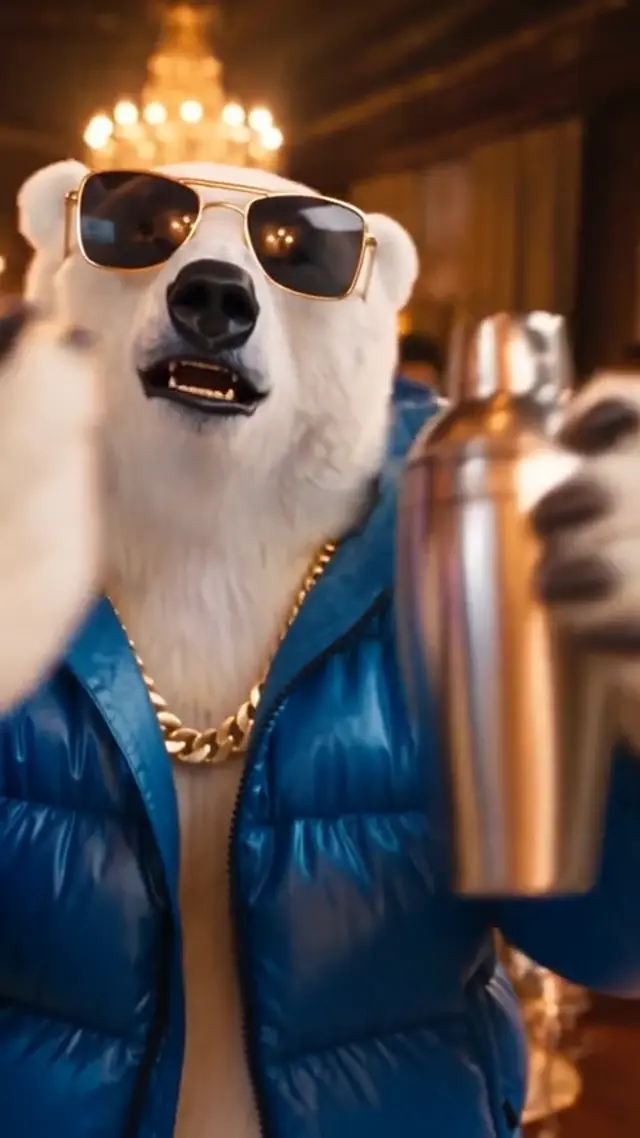
2–6 seconds
The camera pushes in and the face does the talking.
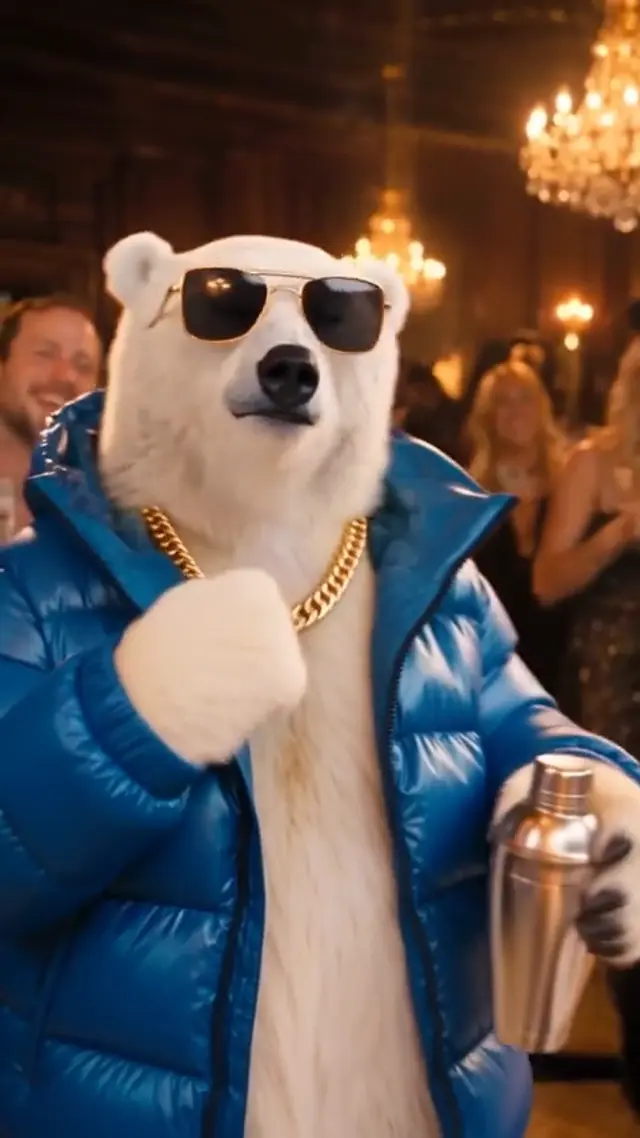
6–15 seconds
Loose arms, a beat to move to, guests copying along.
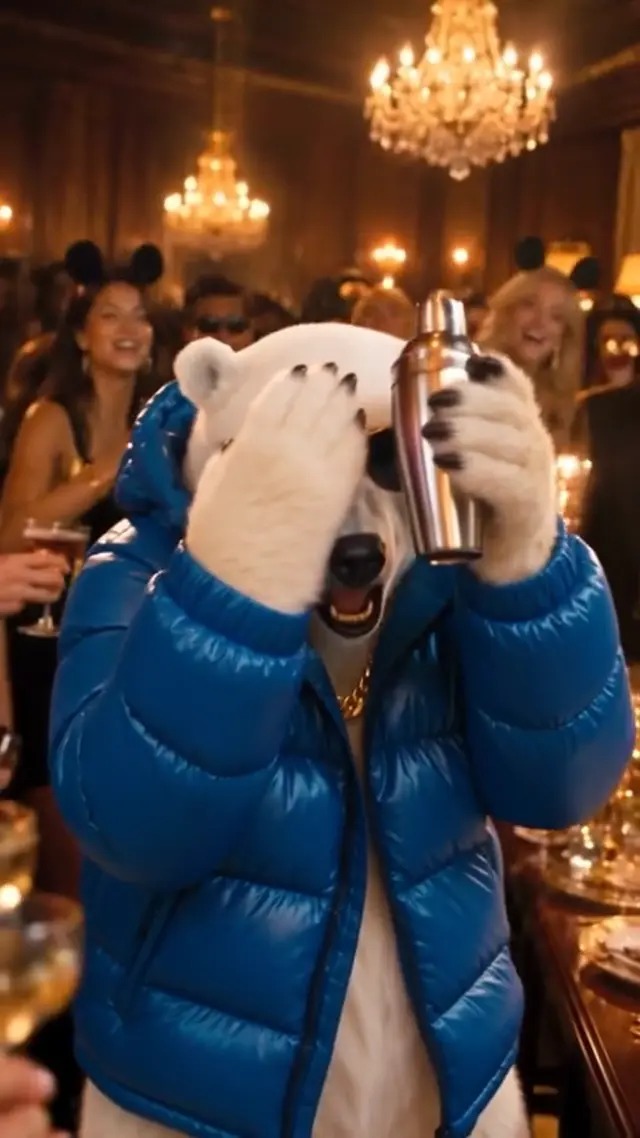
15–20 seconds
One last look, one last gesture: the frame people loop.
This bear is only an example. Your own 20-second result will move a little differently.
You have probably seen it by now: the same candle-lit lounge, the same crowd with cups in hand, and a different person, animal or cartoon standing in the middle each time. The room never changes. The star does, and that swap is the whole joke.
On this site you upload a single photo and get a new 20-second clip with that subject as the star. Pick 480p, 720p or 1080p before you generate. The MP4 comes with sound that follows a reference soundtrack. No two generations are identical, so expect small differences in scene and motion.
Where the format started, what good remixes look like, and what to do (and avoid) if you want to make your own.
Three steps, no editing app, no prompt box.
Pick a sharp picture of yourself, a friend (with permission), a pet or your own character. Keep it to one subject.
Pick 15 or 20 seconds, 480p, 720p or 1080p, and vertical or widescreen. Keep the default lounge, or drop in a photo of another room. Then press generate.
Play it with sound on, save the MP4, then post it wherever you like.
Same room every time. A different star every time.
Vertical 9:16
A plain portrait, dropped into the glowing lounge as its host.
A polar bear in a puffer jacket works the room like a regular.
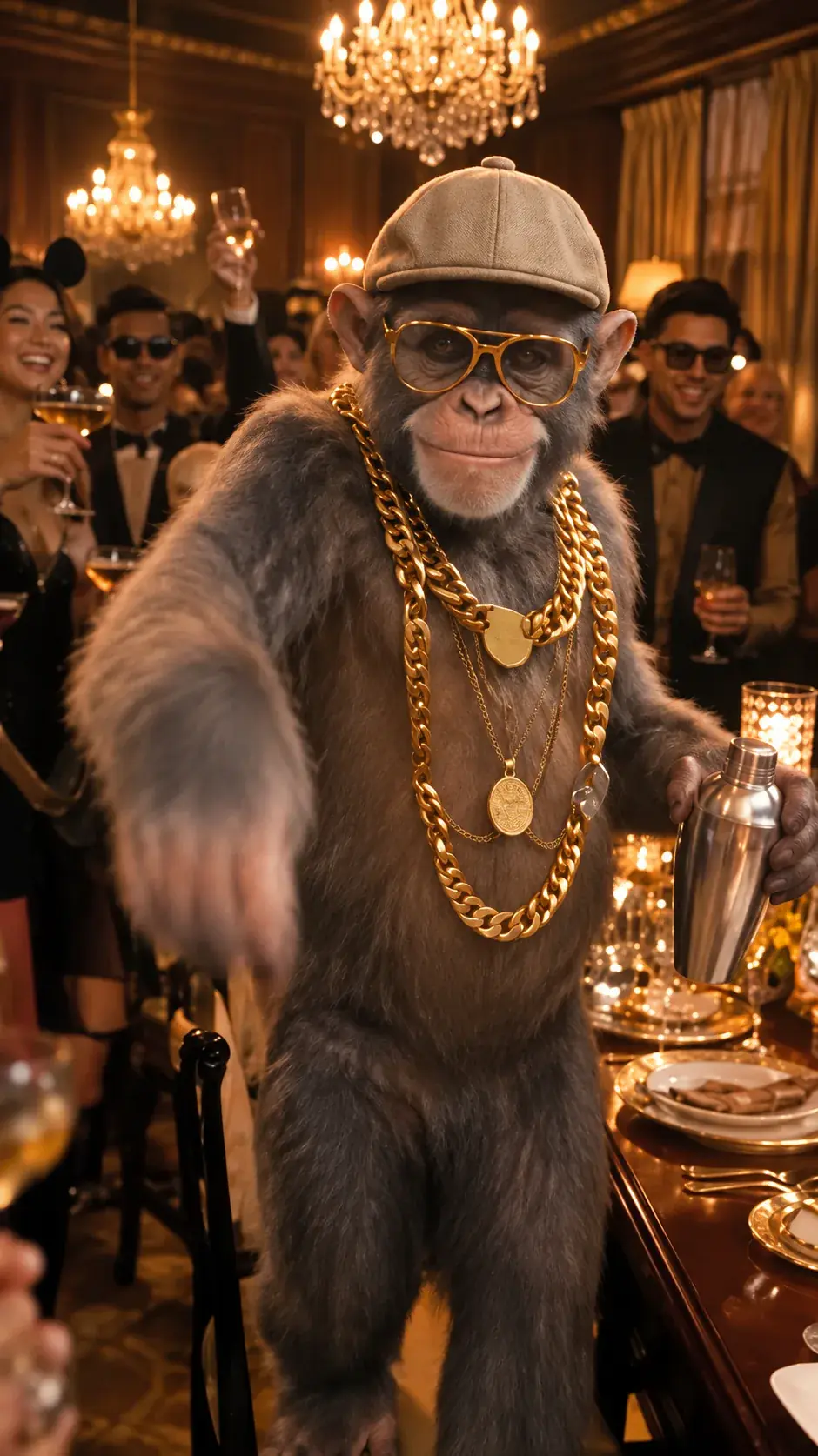
A chain-wearing monkey nobody invited, and nobody minds.
Same room, calmer energy: a slower, more relaxed take.
White vest, easy confidence, a crowd leaning in.
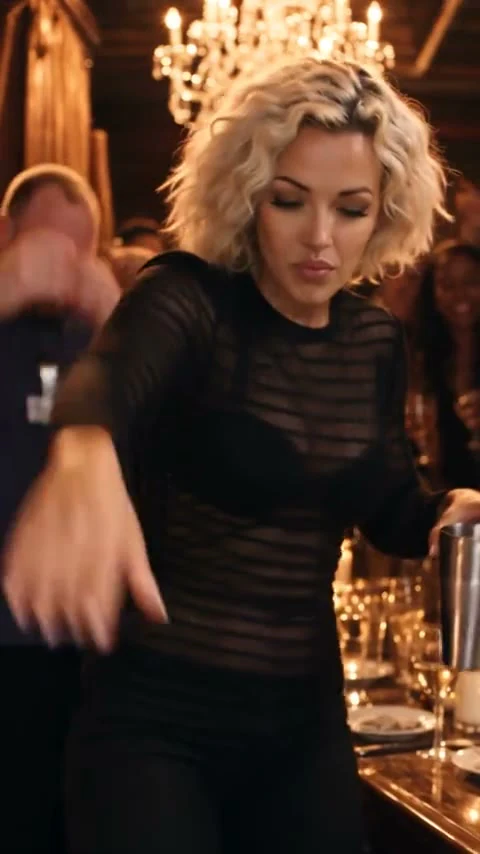
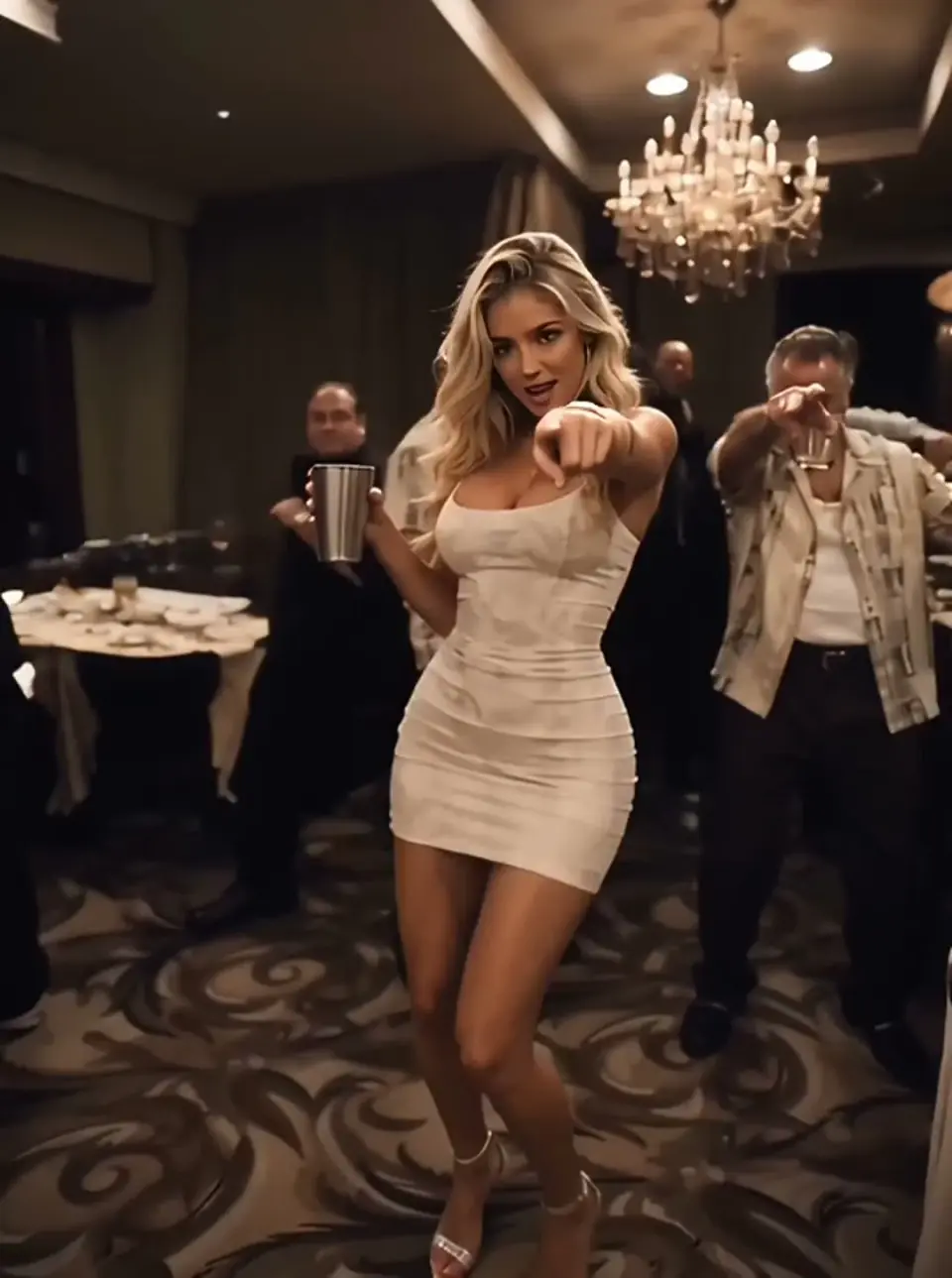
A black dress and a slow turn toward the camera.
Widescreen 16:9
Shot wide: the host up front, the whole party behind.
A white vest, silver chains and a widescreen party scene.
These are sample clips. Your own video will look and move differently, and its length and sound may not match the samples.
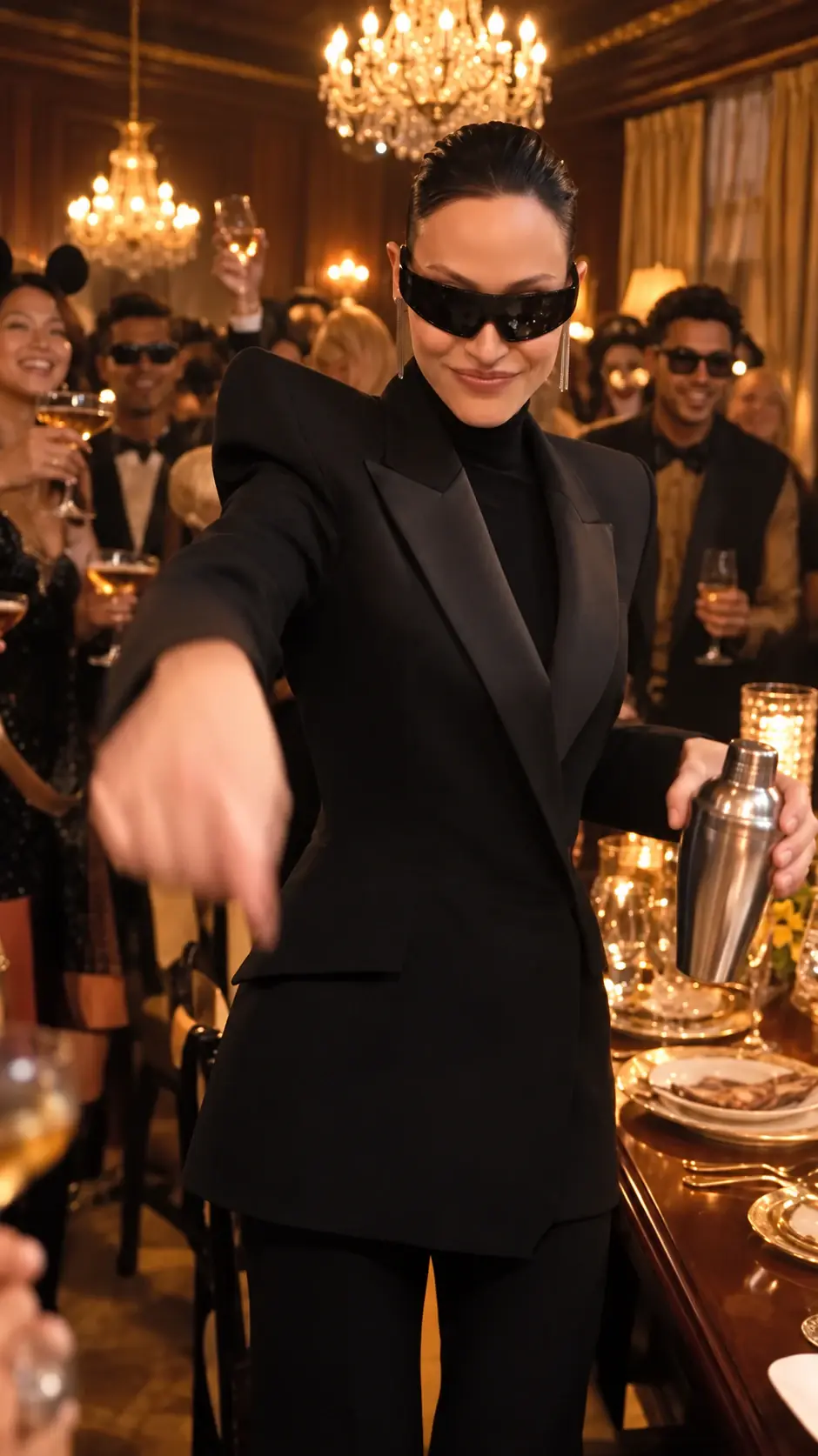
Your photo.
Your scene.
We built the room. You choose who walks into it.
The star of the video is your upload, so the face, outfit and style come from your picture, not from a stock character.
The default room is the famous lounge. You can also upload a photo of another room. Motion still comes from our reference clip, so the cost does not go up.
Go 9:16 for TikTok, Reels and Shorts, or 16:9 for YouTube and desktop. The download is a normal MP4.
You see the credit cost before you press generate. There is no monthly plan, and if a generation fails on our side the credits come back.
Four kinds of photo people are using, and what to expect from each.
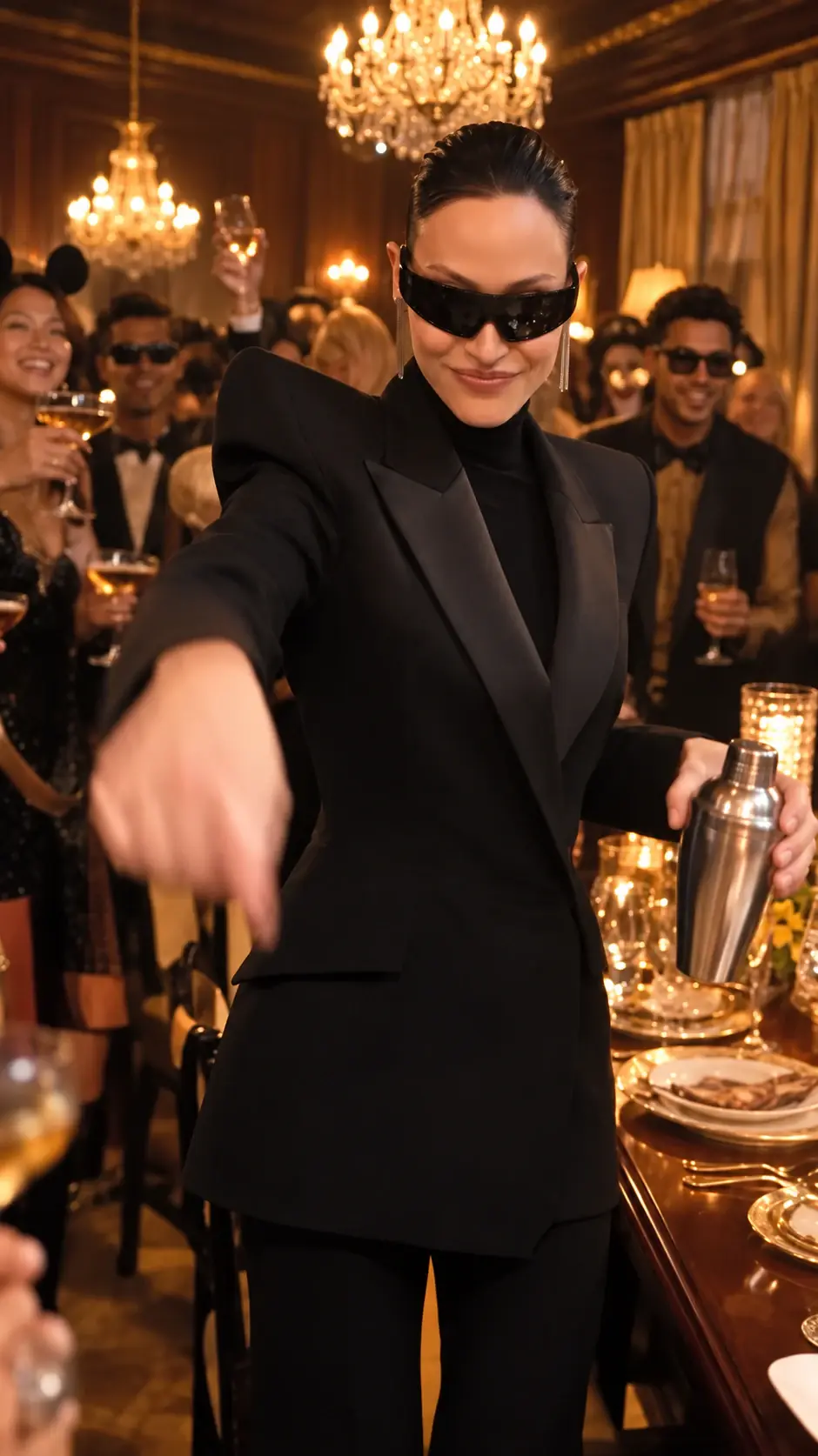
Be the host with the whole room turned toward you. One clear, front-facing selfie is enough.
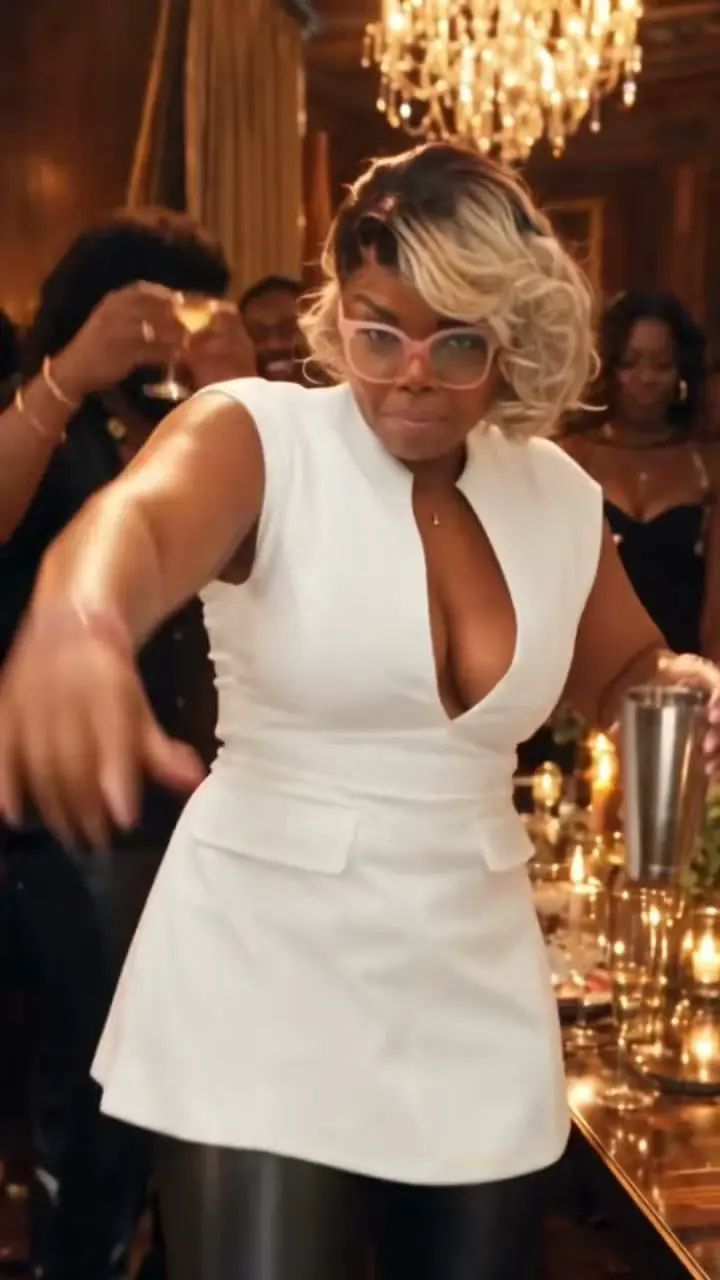
Cast a friend as the star of the party and send it to the group chat. Ask them first.
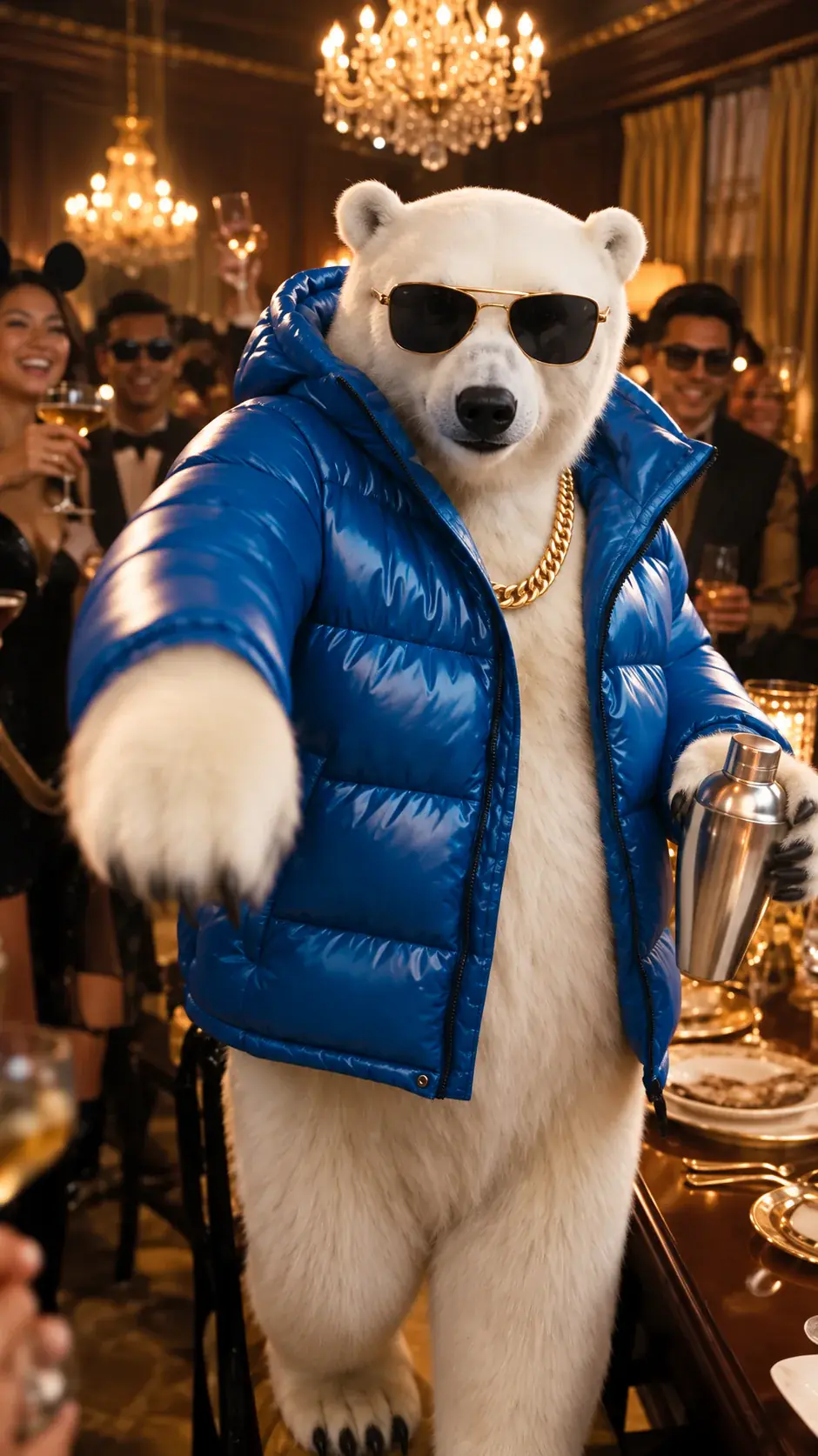
A pet photo or a favorite animal can take the lead too. A clear, front-facing shot helps; results vary.
An original avatar, mascot or 3D character can host the scene. Original creations only.
The photo you upload decides most of how the video turns out.
Upload your photo & createChoose even lighting and one subject facing the camera. Skip blurry shots, odd angles and faces hidden behind hands, masks or phones.
Behind the scenes the tool already holds the scene description and a motion reference. There is no text box to fill in and nothing to get wrong.
“One person in a warm party scene, moving to the beat and singing along.”
The clip comes with its own audio. Play it with the sound on before posting, because the timing is part of the effect.
One photo in, one ready-to-post clip out.
No second picture, no timeline, no template to hunt for.
9:16 for phones, 16:9 for everything else.
A 15-second or 20-second MP4 at 480p, 720p or 1080p, ready to save and post.
Every finished clip waits for you in My videos.
The jargon people keep running into, and what it means here.
Pay once for credits. Spend them on 15s or 20s at 480p, 720p or 1080p. Nothing renews.
100 credits · 1 × 720p 15s
$4.99USD
≈ $4.99 / video
400 credits · 1 × 480p 20s or 4 × 720p 15s
$9.90USD
≈ $2.48 / video
1000 credits · 1 × 720p 20s or 10 × 720p 15s
$19.90USD
≈ $1.99 / video
All sales are final. Once a video is generated, its credits are not refundable. If a generation fails and no video is delivered, the credits go back to your account. Taxes and the final total appear at checkout.
Clips are 15 or 20 seconds with audio. “Videos per pack” counts 720p at 15s (100 credits). 480p 15s is 50, 480p 20s is 400, 720p 20s is 800, 1080p 20s is 1800. If a generation fails, the credits go back to your account.
| Quality · length | Credits |
|---|---|
| 480p · 15s | 50 |
| 720p · 15s | 100 |
| 480p · 20s | 400 |
| 720p · 20s | 800 |
| 1080p · 20s | 1800 |
The practical stuff, answered before you upload.
It is a web tool that turns one photo into a short video where that person, pet or character stars in the Burning Bridges party scene. You upload, wait a few minutes, and download an MP4 with sound.
Upload a clear JPG, PNG or WebP photo, pick 15 or 20 seconds and 480p, 720p or 1080p, then sign in and generate. Keep the default lounge or add a photo of another room. The credit cost is shown first. When the clip is ready you can play it in My videos and download the MP4.
One photo of the star is enough. The default room is the viral lounge. If you want a different room, add a second photo of that space. Motion still comes from our 15-second reference, so you are not stacking extra videos. Photos with two people confuse the model about who the star is.
Your MP4 has sound that follows a reference soundtrack, and it can differ a little from one generation to the next. If you prefer, mute it when you post and pick the platform’s own sound for the song.
Nothing renews. You buy a credit pack once. 15-second 720p uses 100 credits (one Basic pack). 20-second clips cost more: 400 for 480p, 800 for 720p, 1800 for 1080p. Unused credits never expire.
A sharp, evenly lit picture of one subject with the face in view. Heavy blur, steep angles, big sunglasses and anything covering the face all make results worse.
A 15-second or 20-second MP4 with audio at the quality you picked: 480p, 720p or 1080p. Choose 9:16 for TikTok, Reels and Shorts, or 16:9 for a wide frame.
Usually a few minutes, and 720p or 1080p can take longer. You do not need to wait on the page: close it and your finished clip will be in My videos when you return.
If it fails on our end, the credits for that clip go straight back to your balance so you can try again.
How it works, where the trend comes from, and how to find the song.
Tutorial
Your first take, from choosing a photo to sharing it with sound. A step-by-step guide to the Burning Bridges AI video generator.
2 min read
Trend explained
Understand the party scene, the AI remixes and your options for making a version of your own.
2 min read
Song & video
Find the original sound, then separate the song from the AI video so you know what you are posting.
2 min read